Digital Clock for Desktop
If you’re searching for a digital clock for desktop, you probably have the same problem I did: the system clock is tiny, and checking the time keeps pulling you out of focus. A big, clean clock—especially on a second monitor—can make work, study, and presentations feel calmer and more controlled.
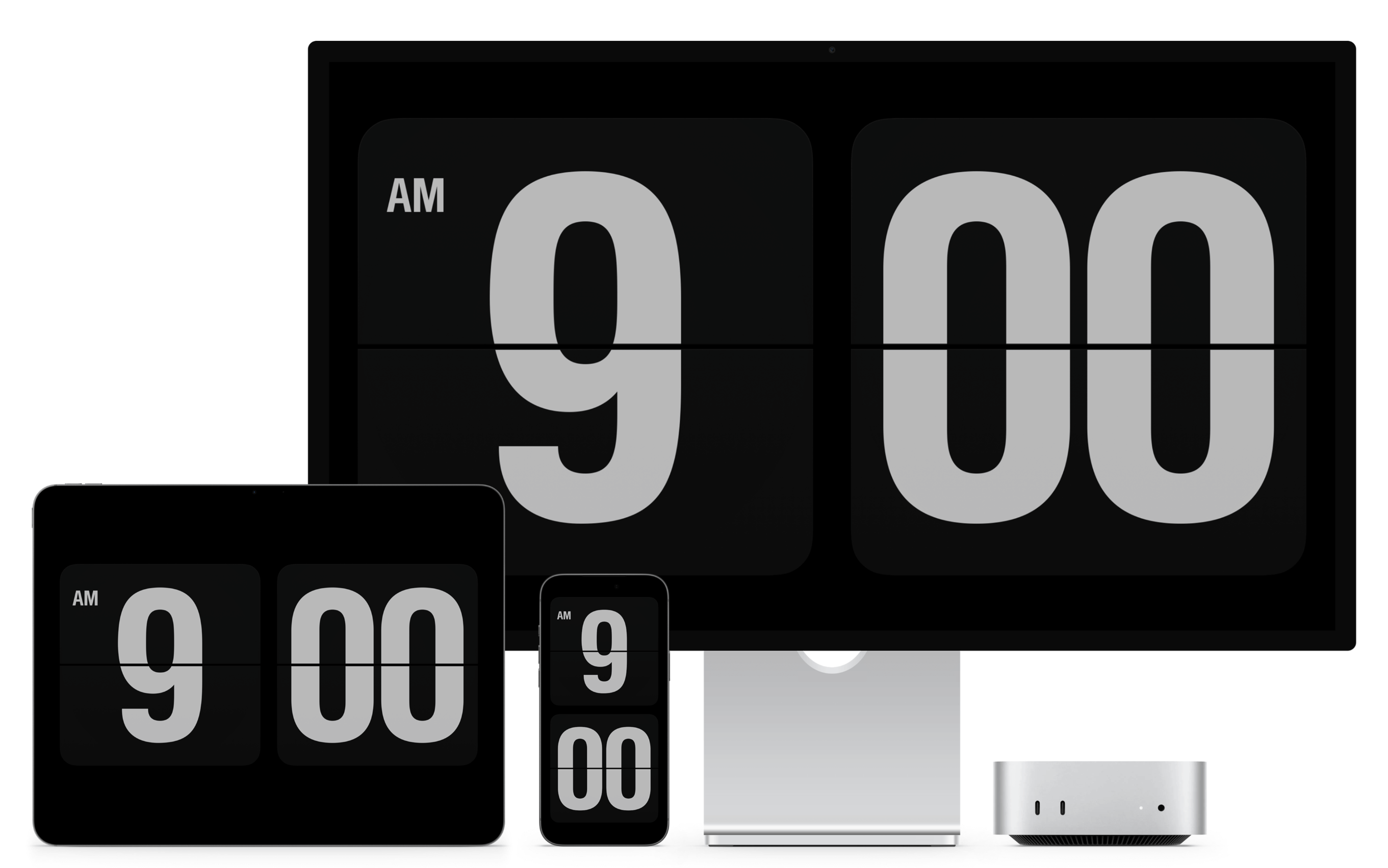
One of the most popular “looks good anywhere” options is Fliqlo, a flip-style clock screensaver for desktop. If you want a simple, beautiful clock that’s easy to recommend to friends, Fliqlo is a solid choice.
Official site: Fliqlo screensaver
How to Install and Use Fliqlo (Fastest Way)
To keep this simple, just follow these video tutorials for download + installation:
Windows tutorial (watch & follow along)
Mac tutorial (watch & follow along)
Different Windows/macOS versions may place screensaver settings in slightly different menus—just follow what you see in the video.
Who Is Fliqlo Best For?
Fliqlo is a great fit if you’re in one of these groups:
- Students & deep-work learners: You want time awareness without distractions while studying.
- Remote workers: You keep meetings on one screen and want a large clock on another.
- Teachers & presenters: You need a clock that’s readable from the back of the room.
- Desk setup / minimalism lovers: You want something clean that looks intentional.
- Creators (video / streaming): A flip clock can be a subtle, stylish background element.
If your main goal is: “I want the time to be obvious, always,” Fliqlo is a strong pick.
Why I Recommend Fliqlo (Key Benefits)
What makes Fliqlo feel “premium” is the combination of huge numbers + flip motion + zero clutter. It’s easy to read from a distance, and it doesn’t try to do too much.
The biggest advantages are:
- It’s a real desktop screensaver: it can show automatically when your computer is idle.
- Useful even when you lock your computer: depending on your system settings, the screensaver can still display a clock around lock time.
- Readable from far away: great for a second monitor, a TV, or a classroom projector.
- Minimal and aesthetic: looks intentional and stays out of the way.
Note: Because it’s a screensaver, it follows your system’s screensaver and sleep rules. If you want a clock that’s always visible while you actively work (not only when idle), a web-based full-screen clock may be easier.
A Short Note on Fliqlo’s “History”
Fliqlo became a well-known recommendation for a very specific need: “I want a big, beautiful flip-style clock on my desktop.” Over time, it has stayed popular because it doesn’t try to be a full productivity app—it simply focuses on being a clean, readable screensaver clock.
If You Don’t Want to Install Anything: Use a Web-Based Full-Screen Clock
If you want the “big clock” experience without installing a screensaver, the easiest option is a web-based large-screen clock. You open a page, enter full screen, and you’re done.
On our website, you can:
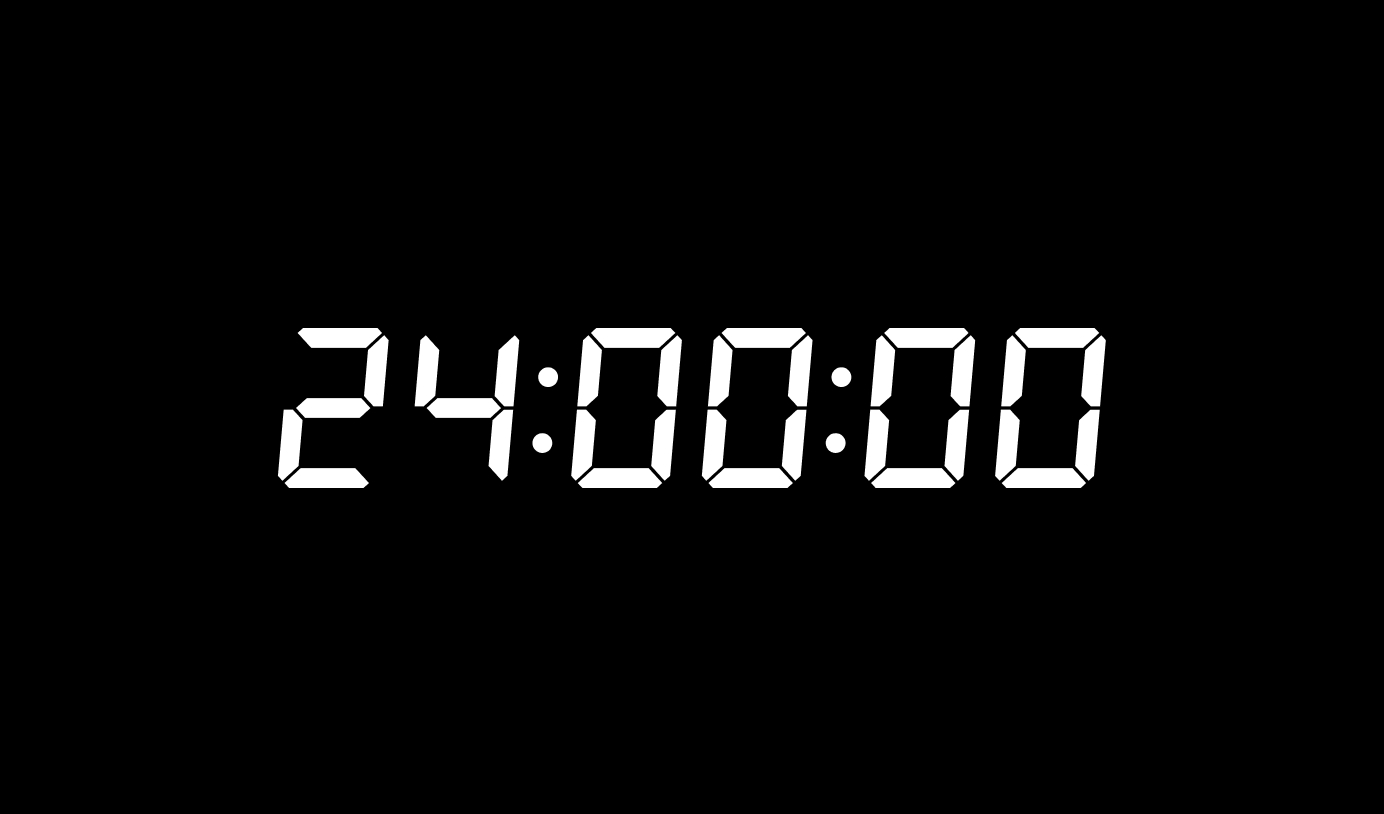
- Open Digital Clock and click Full Screen to turn your browser into a large clock display.
- Click the Keep Screen On button (the “sun” icon) to keep the screen showing time and prevent your device from sleeping.
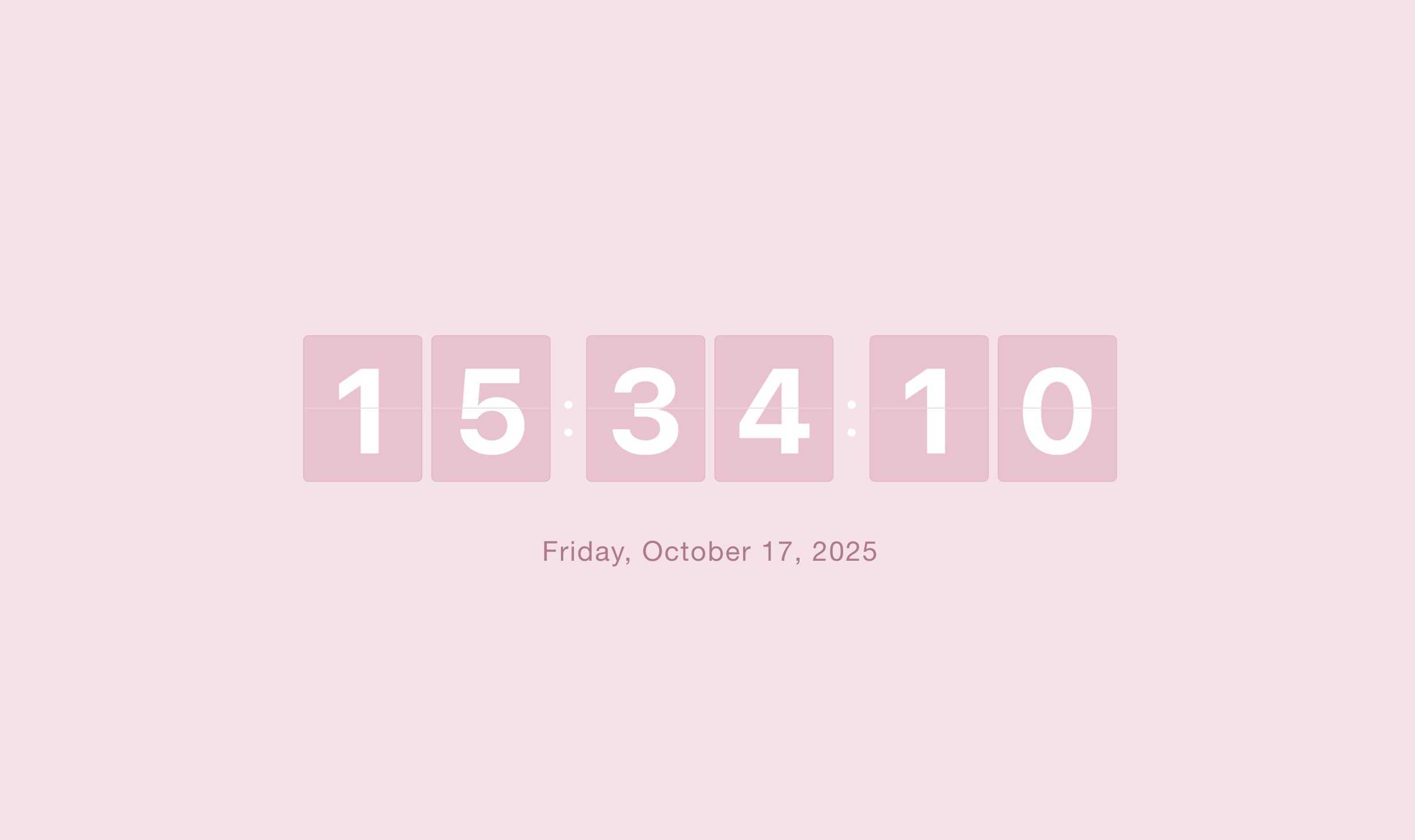
If you like the flip style but want it in the browser, try our Flip Clock page:
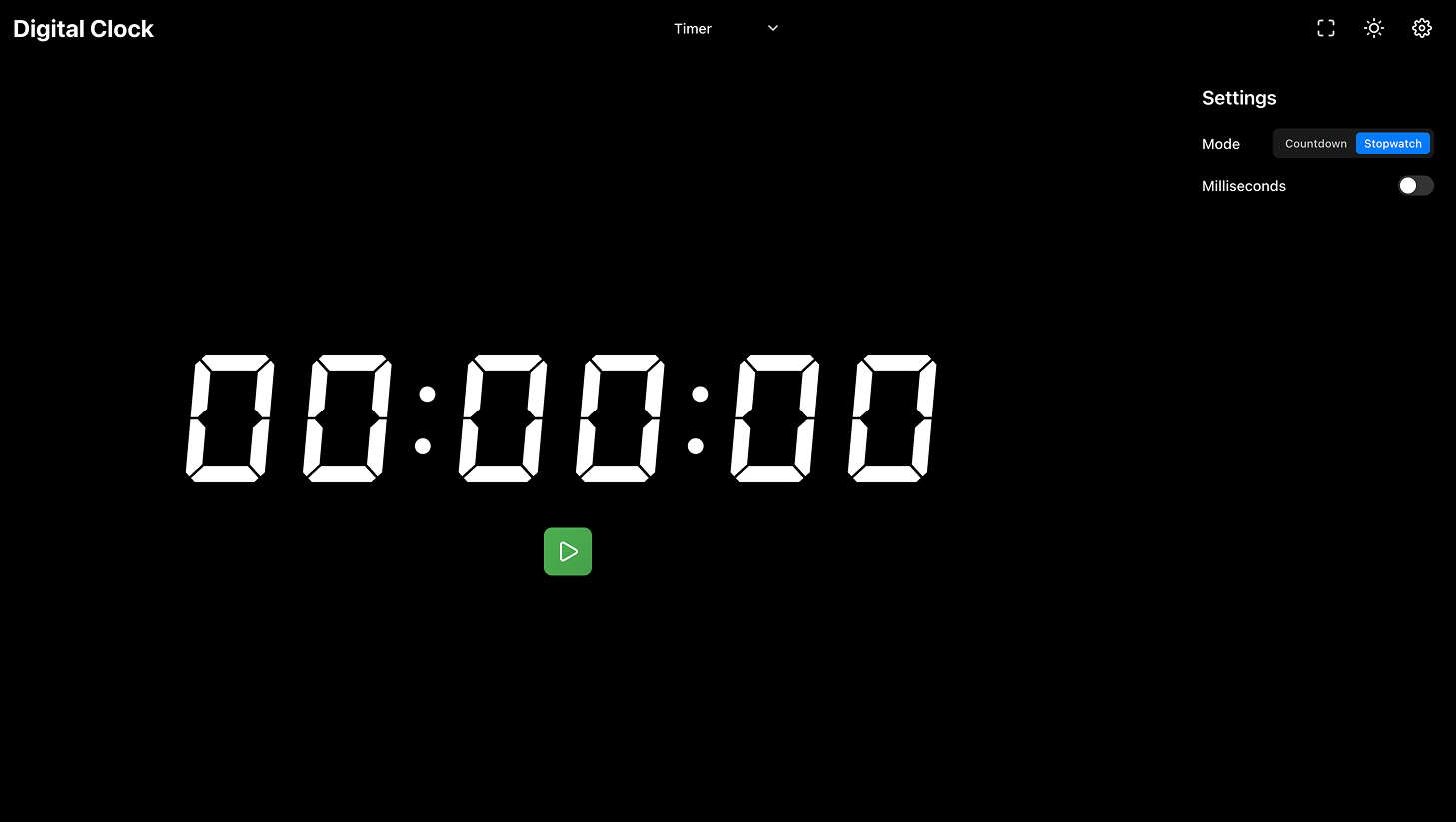
And if your real goal is to stay focused while studying or working, you’ll probably benefit even more from a timer:
- Timer (Stopwatch + Countdown) — great for study sessions and deep work blocks.
Final Thoughts
If you want a beautiful digital clock for desktop, Fliqlo is easy to recommend: readable, minimal, and stylish—plus it works naturally as a screensaver on desktop.
And if you want the fastest setup, a web-based full-screen clock is even simpler—especially when you use the Keep Screen On button to stop the display from going to sleep.
Try whichever matches your workflow, and keep time visible in a way that helps you stay calm and focused.